ગુજરાતી PDF બનાવો સરળતાથી — type in Gujarati, scan & extract text with OCR, translate, sign, merge and manage every PDF from one app.
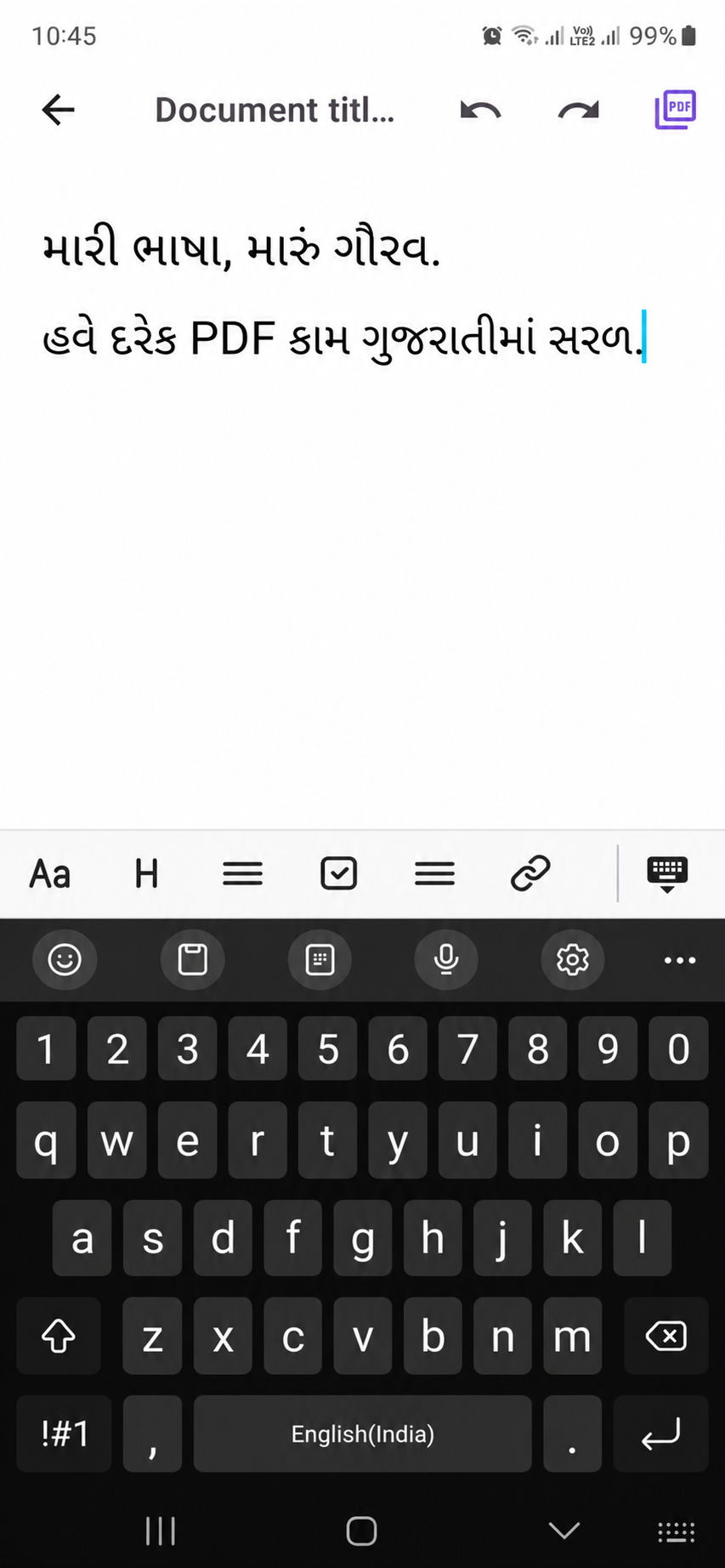
One app for creating, editing, converting and organizing PDFs — built around native Gujarati support.
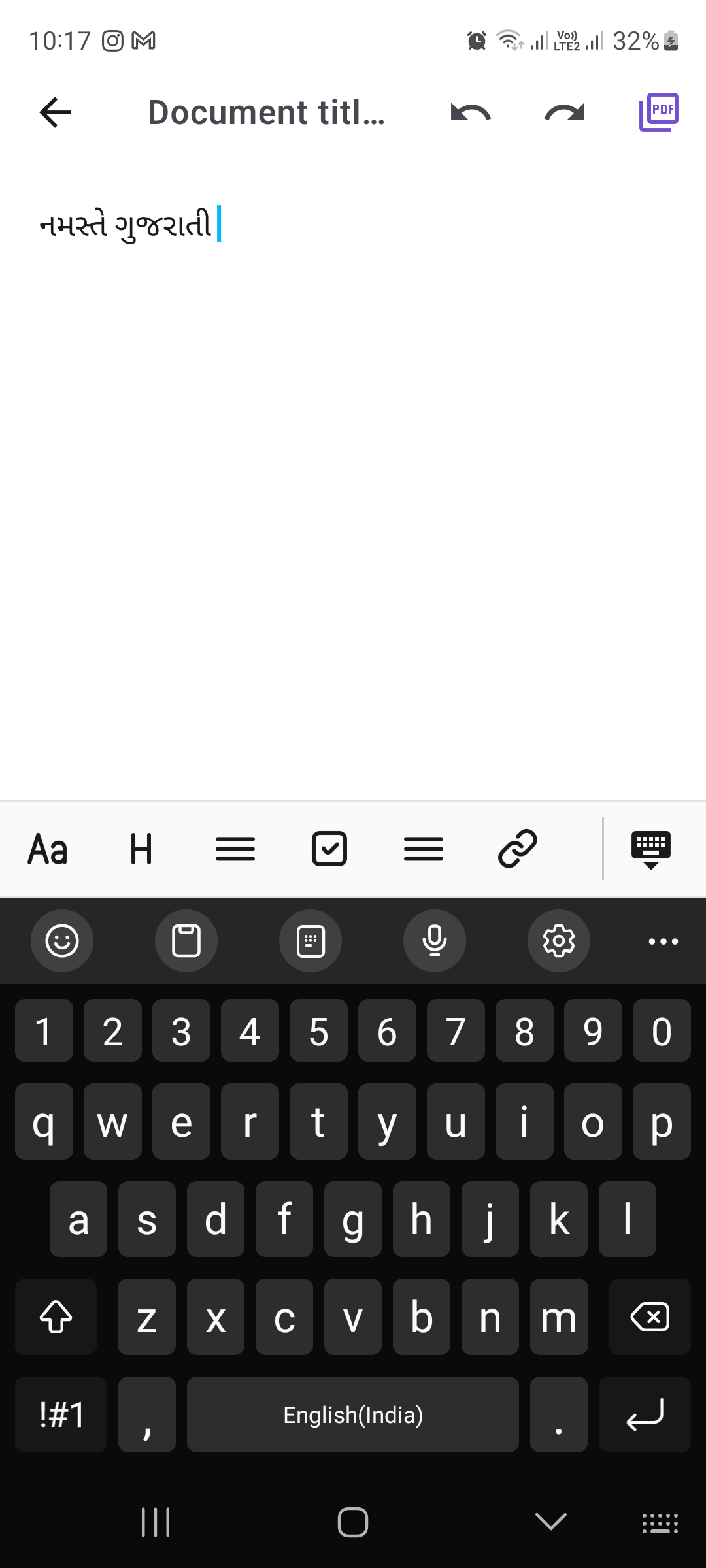
Type in phonetic English and get live Gujarati suggestions, then export straight to PDF.
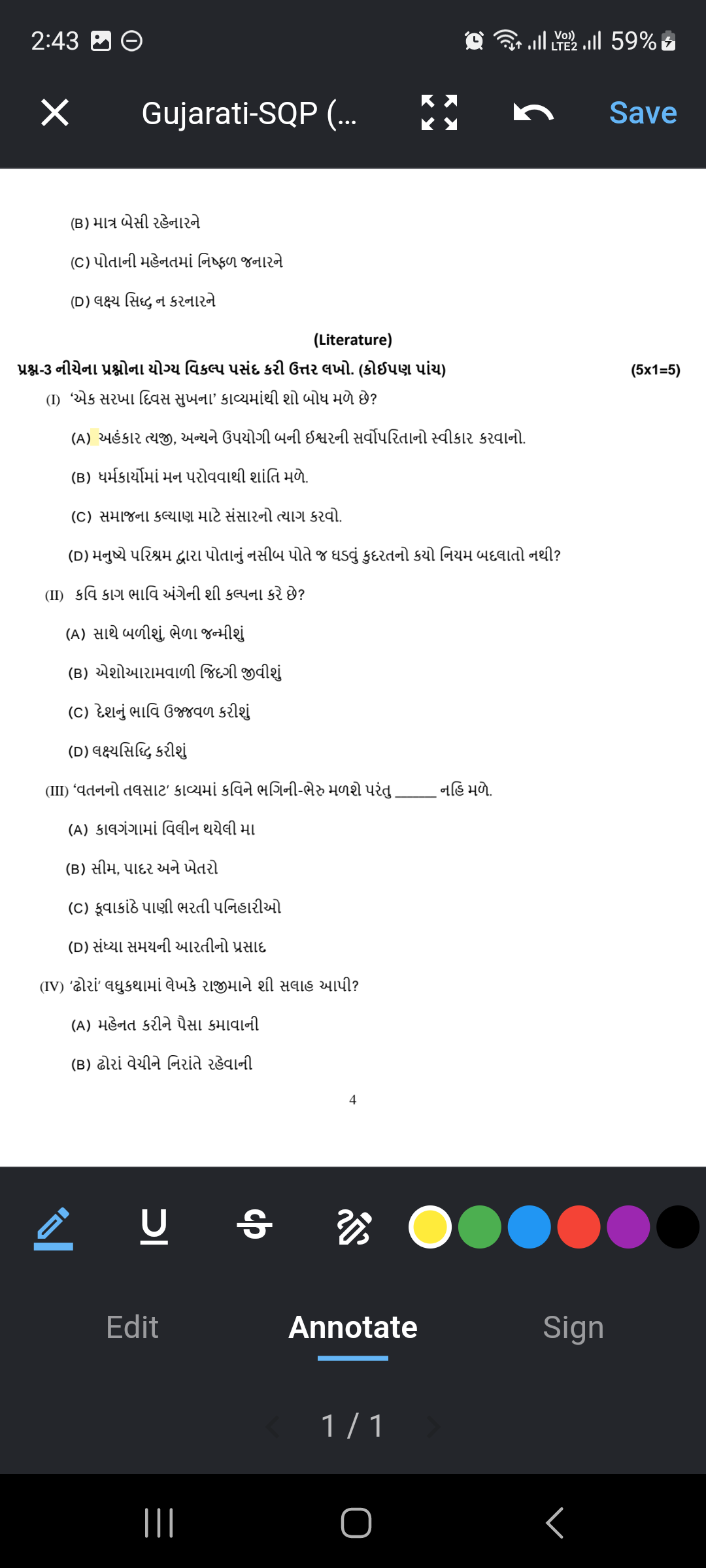
Tap to select text, highlight, underline or strikethrough — saved as real, searchable annotations.
Extract Gujarati text from scanned pages and images with built-in OCR recognition.
Combine multiple PDFs into one, or split large documents into individual pages or ranges.
Turn images into PDFs, PDFs into images, or export long scrollable image versions.
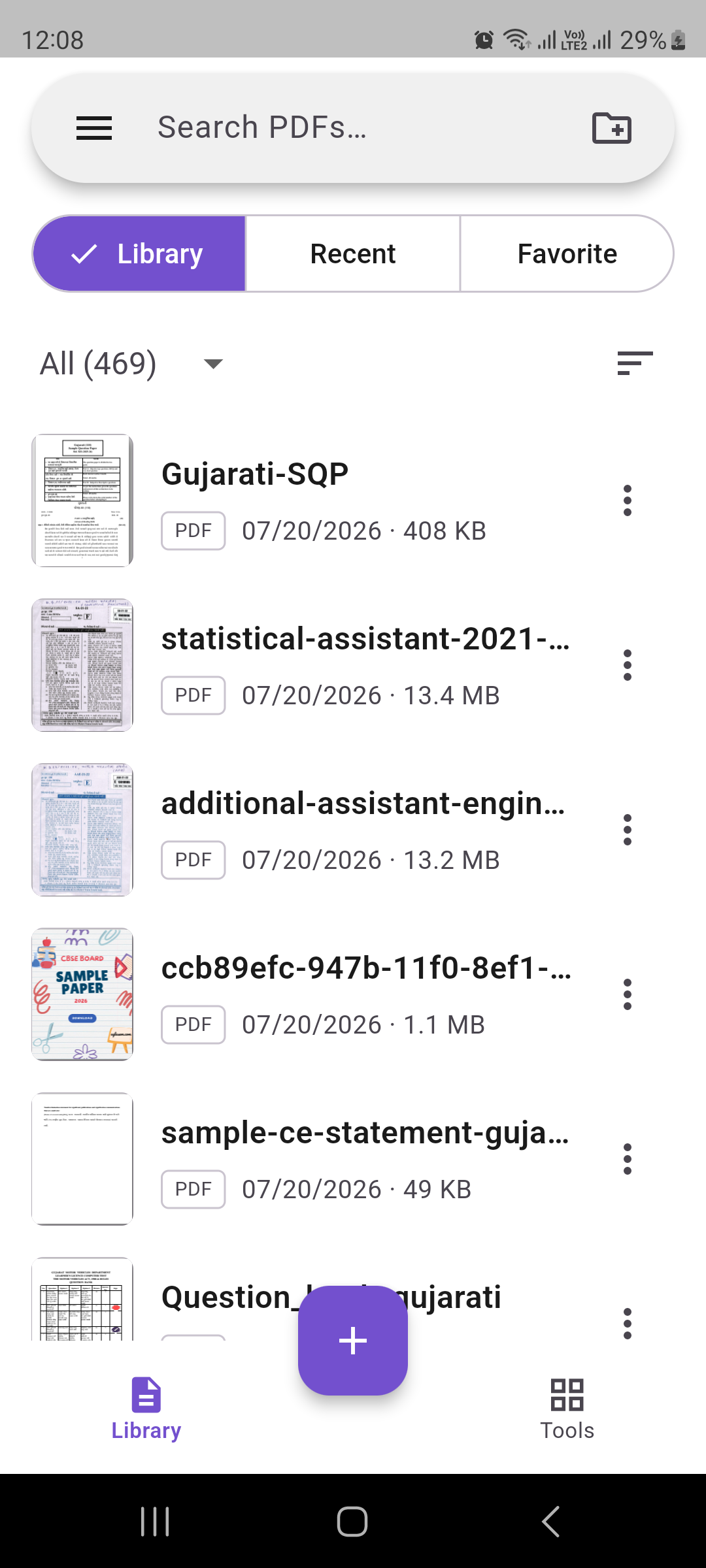
Password-protect, compress, reorder pages and keep everything organized in one library.
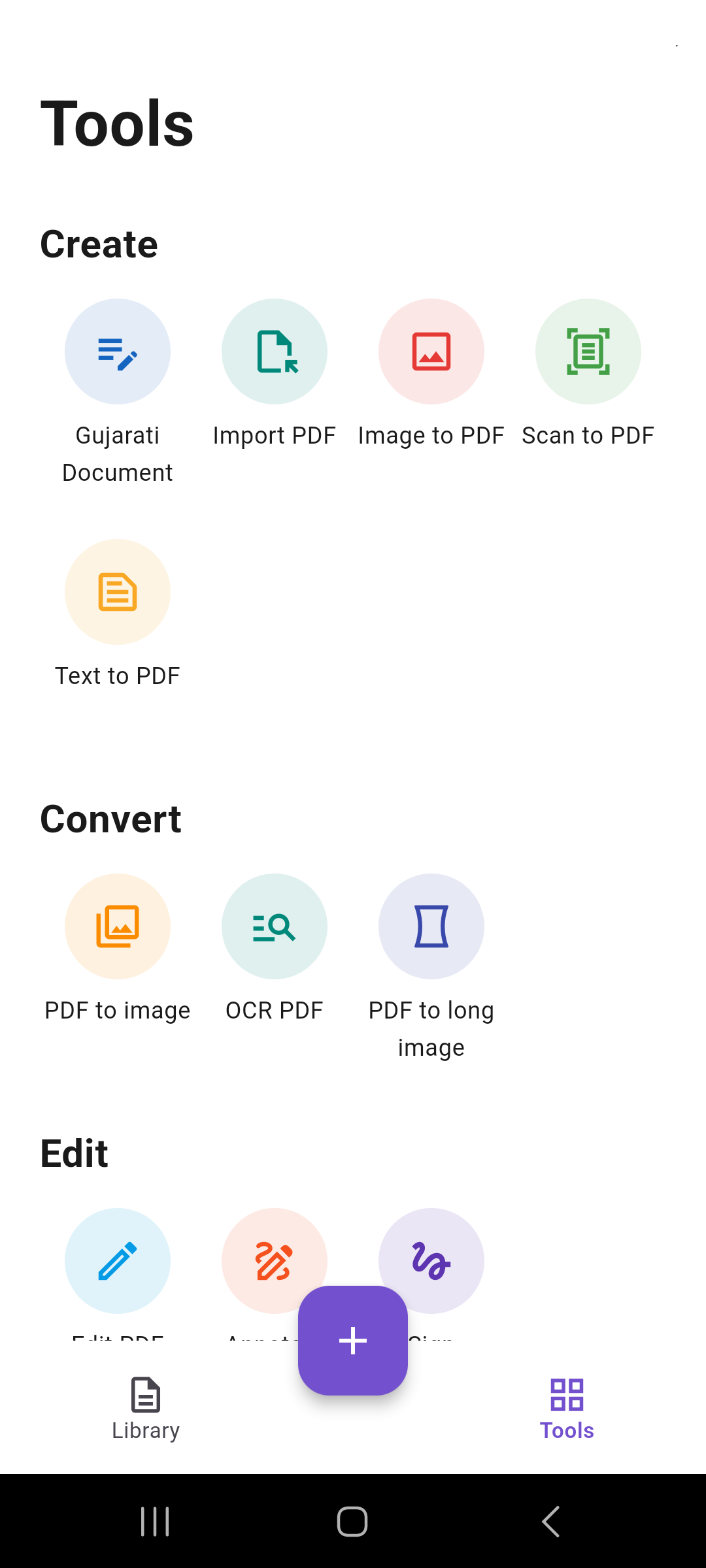
Real screens from the app — your library, tools, OCR, annotation and Gujarati document creation.


Yes, the app is free to download from the Google Play Store on Android devices.
Gujarati suggestions use an online transliteration service, so an internet connection is needed while typing. Viewing and editing existing PDFs works offline.
Yes — import any PDF and use Edit, Annotate or Sign. Note that OCR-generated PDFs are image-based, so text selection tools apply to the original text layer of native PDFs.
Your PDFs stay on your device. Deleted files go to a Recycle Bin first, so nothing is lost by accident.

Download GujaratiPDF and start creating, editing and managing your Gujarati documents today.
Get it on Google Play